# School settings
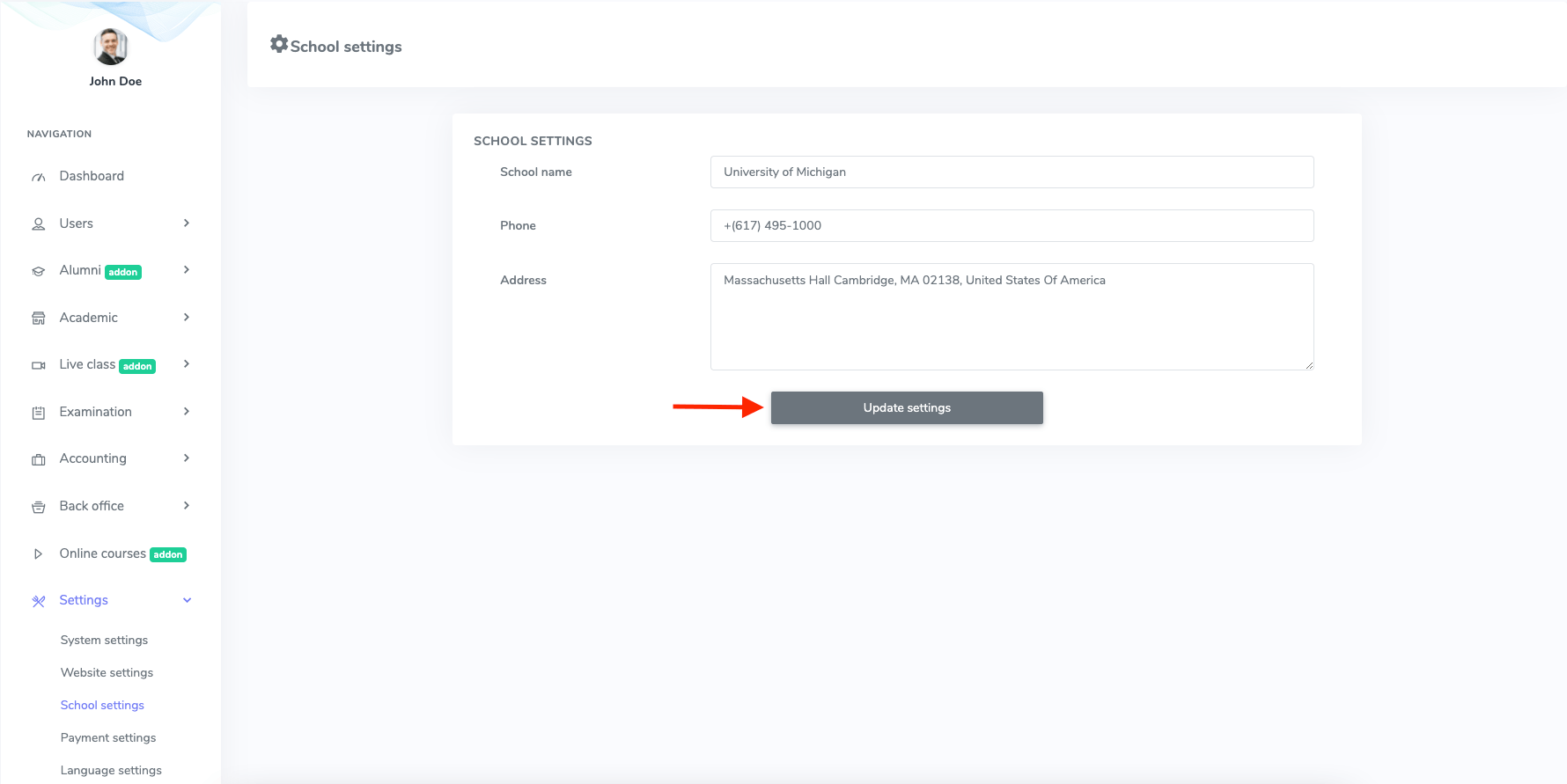
In Ekattor, as a superadmin, you can modify and update the school settings. Follow the steps below:
- Log in to the superadmin panel.
- Select the "Settings" option from the left menu.
- Choose the "School settings" option from the sub-menu.
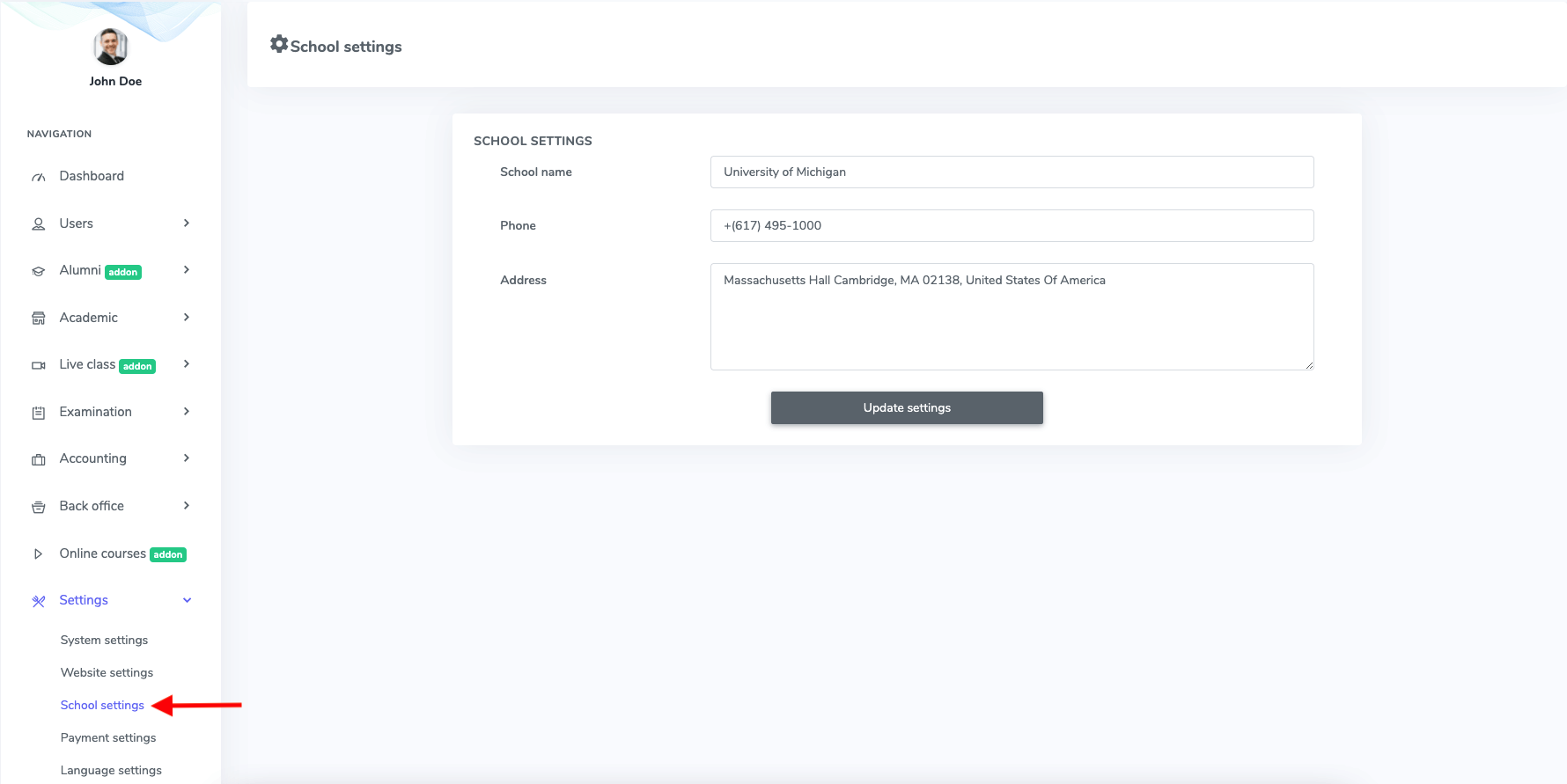
Figure 1. Ekattor ERP School Settings
In this settings panel, you can change:
- School name
- Phone number
- School address.
After that, you have to click the "Update settings" option to save the information.