# Promotion
Only superadmin and admin can organize the promotion panel. For this, you have to navigate:
- Log in to the admin panel.
- Go to the "Examination" option from the left menu.
- Select the "Promotion" option from the sub-menu.
Now provide:
- The current session.
- Next session.
- Current session(Promoting from).
- Next session(Promoting to).
After, you have to click the "Manage promotion" button.
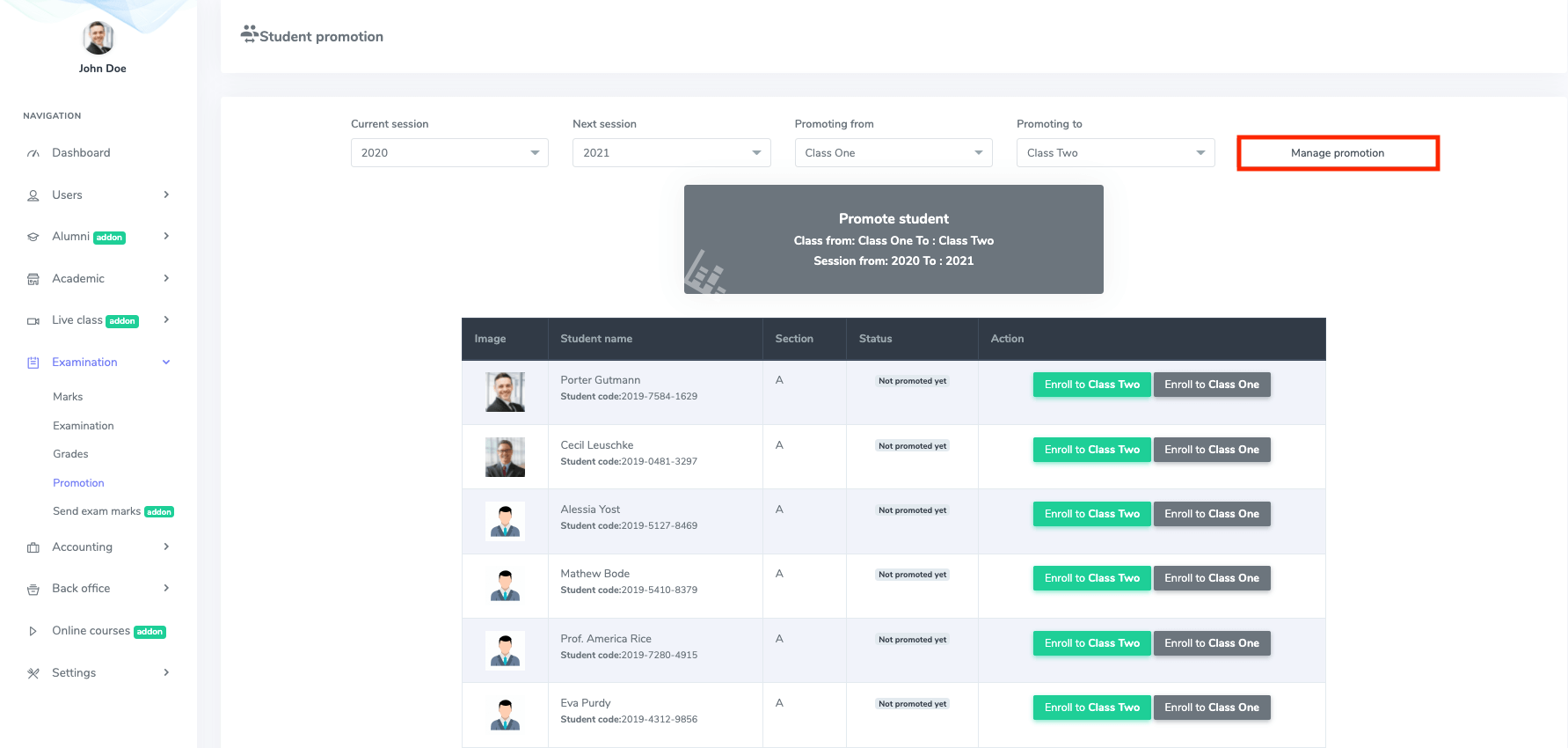
Figure 1. Ekattor ERP Managing Promotion-1
You can see the student's image, name, section, status and can take action. Click on the "Enroll the class two" button for promotion and the "Enroll the class one" button for demotion.
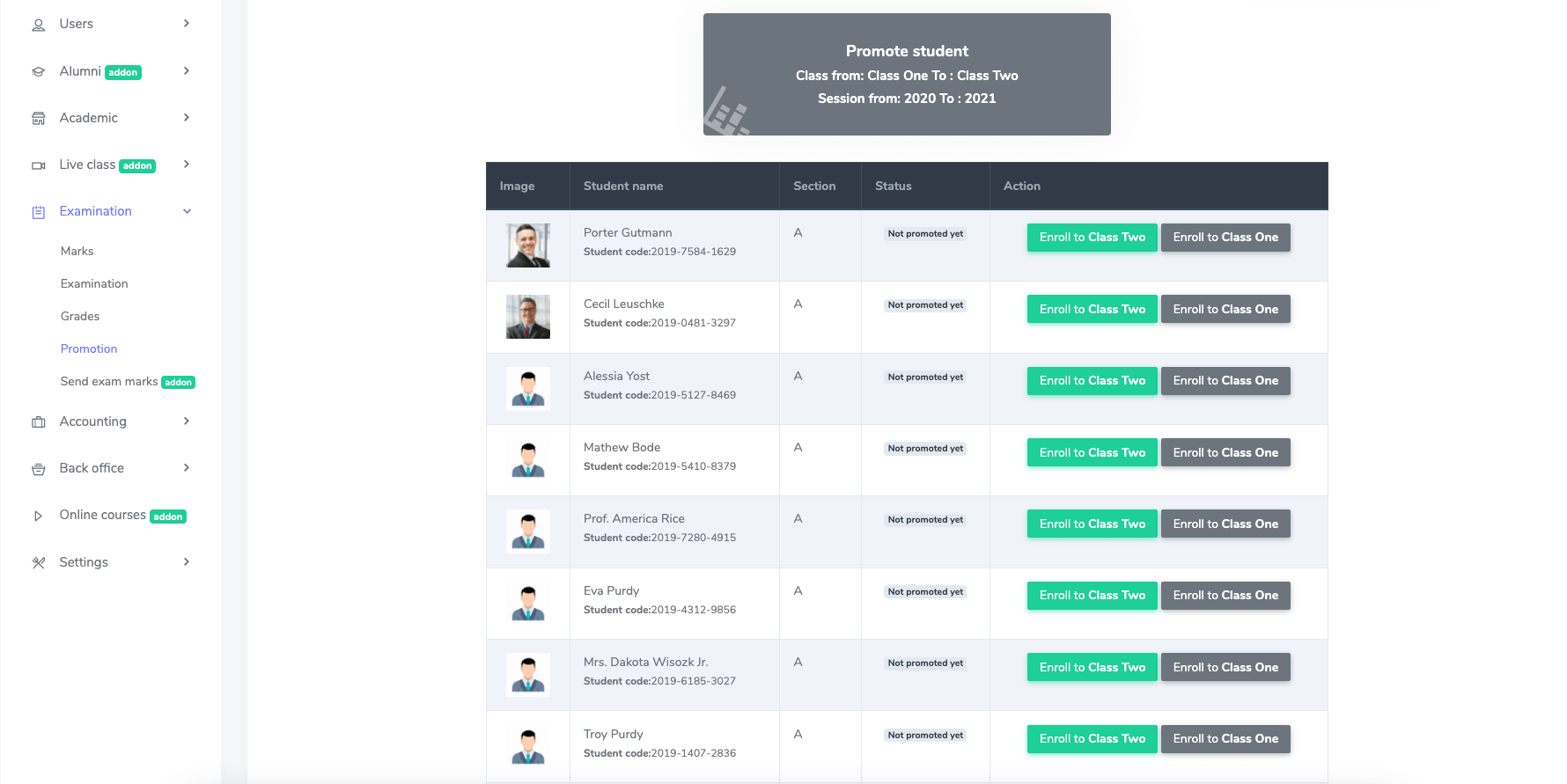
Figure 2. Ekattor ERP Managing Promotion-2
That's it!